 SuperDoc
Every implant, on the record.
Name, brand, REF number, LOT or batch, size and quantity are recorded on the operation note for every implant used.
For orthopaedic clinics and hospitals
From the X-ray to the last physiotherapy review: the examination, imaging, the prescription, counselling for joint replacement, pre-authorisation, the OT with every implant on record, the ward and the bill, all on one patient record. Surgeries are booked, billed and claimed without the chase.
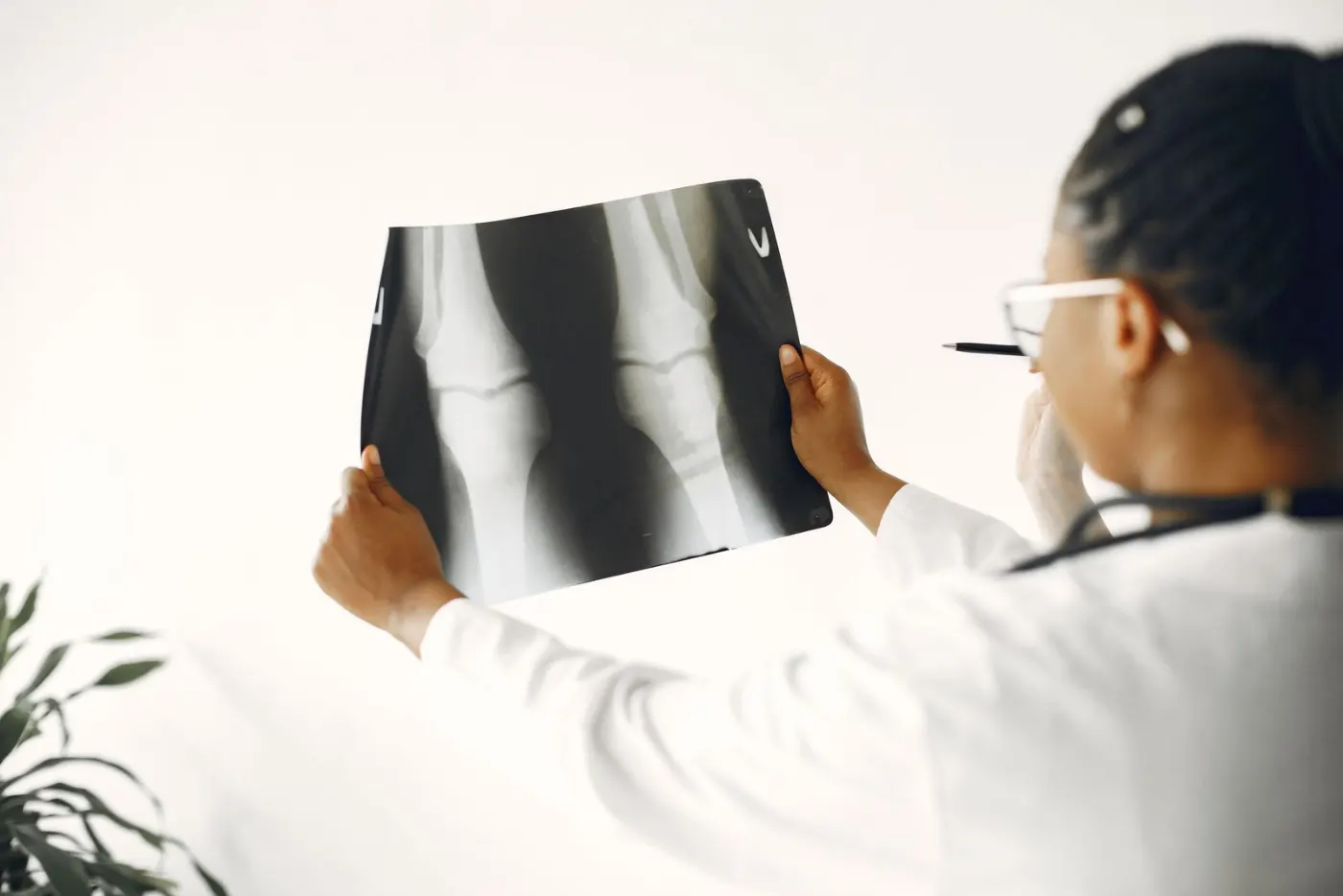
Built around the busy ortho practice
Built with what orthopaedic surgeons, OT teams, TPA desks and front-desk teams need on a full day, so every desk runs smoothly.
Name, brand, REF number, LOT or batch, size and quantity are recorded on the operation note for every implant used.
Requested and approved amounts are tracked on the TPA desk, and the ward board flags a patient whose insurance is still pending.
An advised surgery goes straight to the counselling desk, with calls, follow-ups and consent tracked until it is booked.
X-rays and MRIs are ordered from the case sheet and the scan is uploaded to the visit as an image or a DICOM file.
For an accident, assault or burn, the MLC is registered from the emergency visit with the doctor's registration number and police station. Every opening is recorded.
Every bed's status and every patient's stage, from pre-op to ready for discharge, with the cleaning step before the next admission.
A patient's journey
Follow one knee replacement patient through a hospital running SuperDoc. Each step shows what that desk sees in SuperDoc, illustrated with sample data.
One patient ID for every visit and every branch. Each patient gets a token, the next one is called aloud in the waiting hall by token, name and room, and reception sees who is waiting, who is in X-ray and who is with the surgeon.
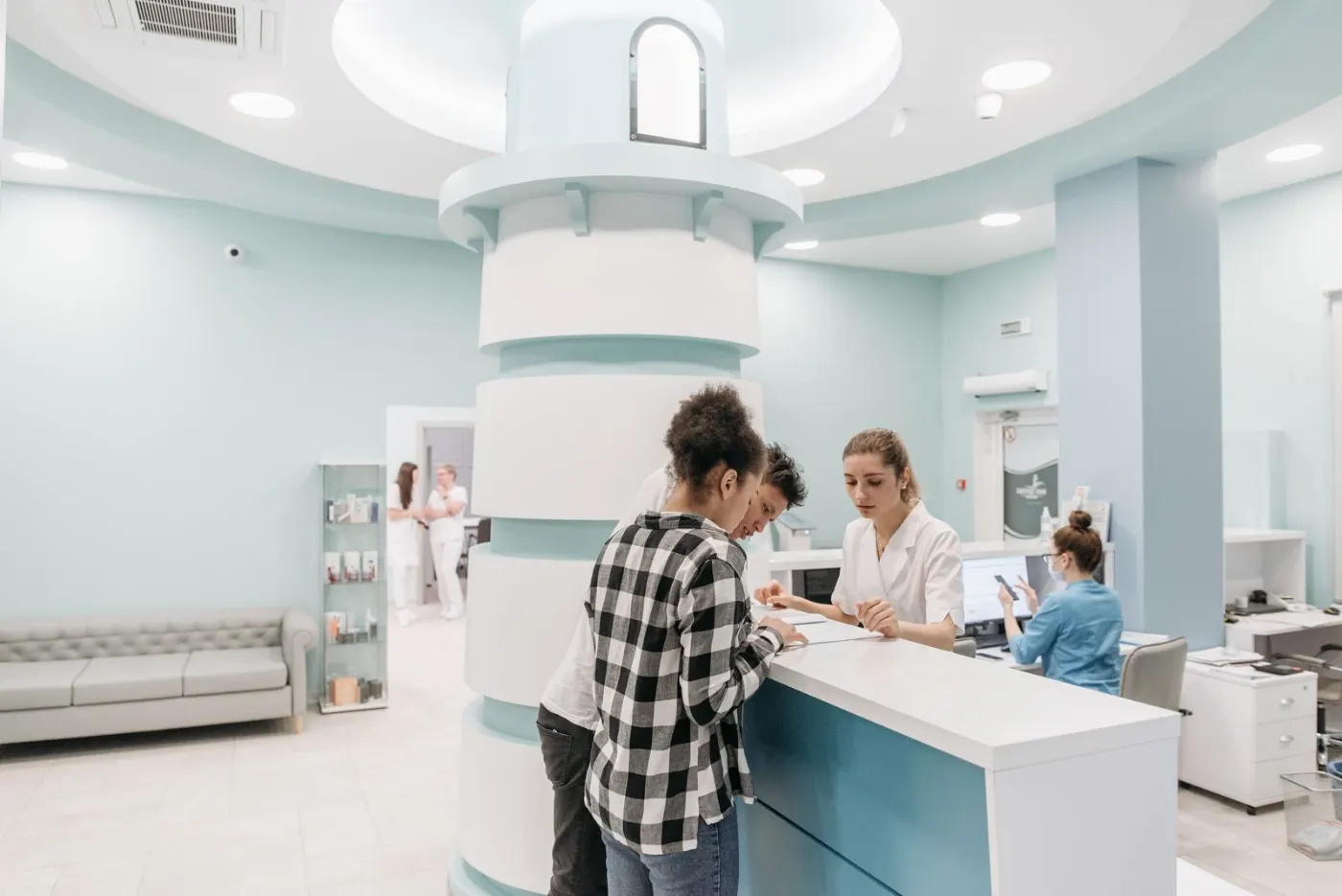
The orthopaedic examination records region and side, then look, feel and move, MRC power, special tests and neurovascular status. Tap a sign to mark it present or absent.
On the clinical side, AI helps fill the case sheet, so the doctor looks at the patient.
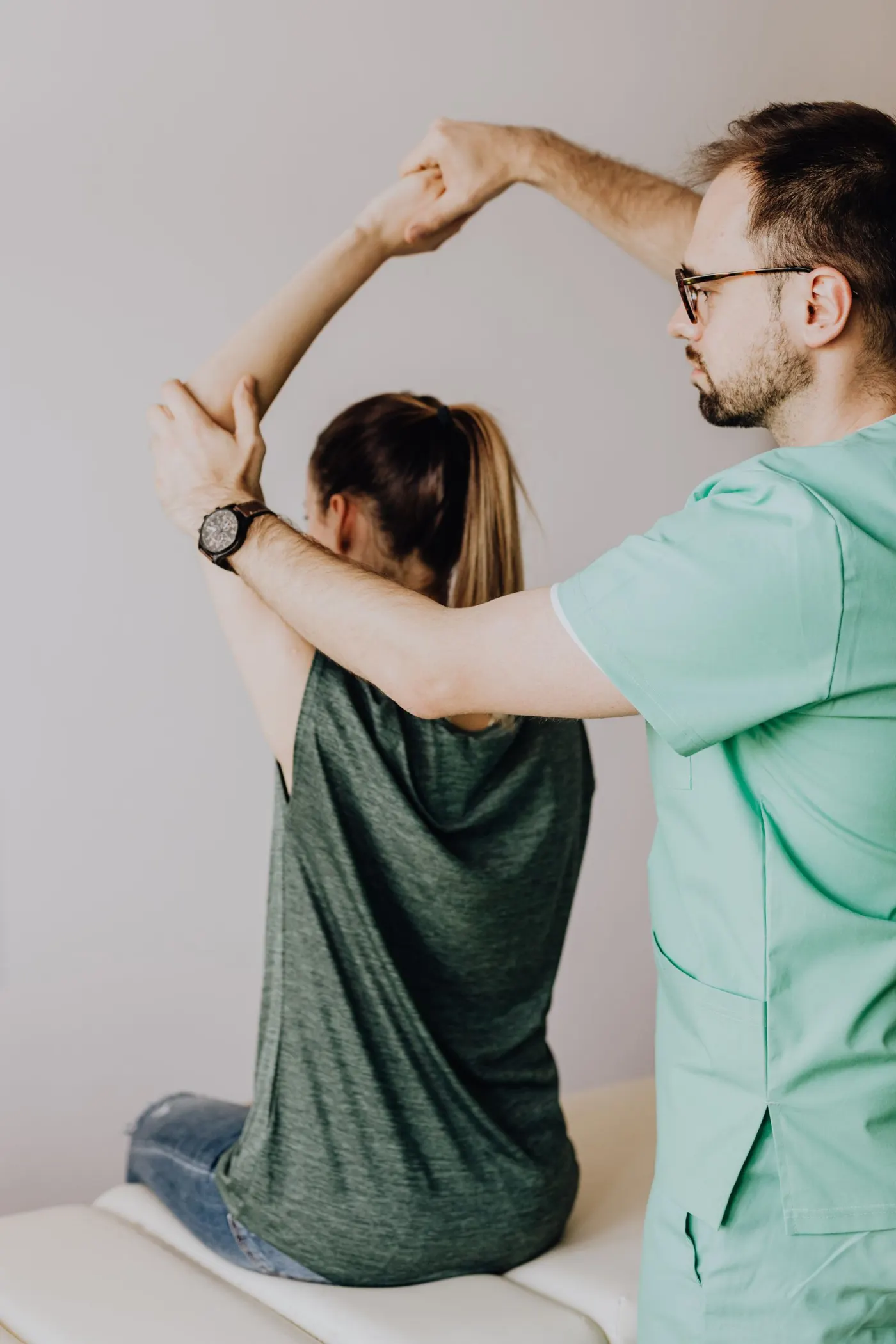
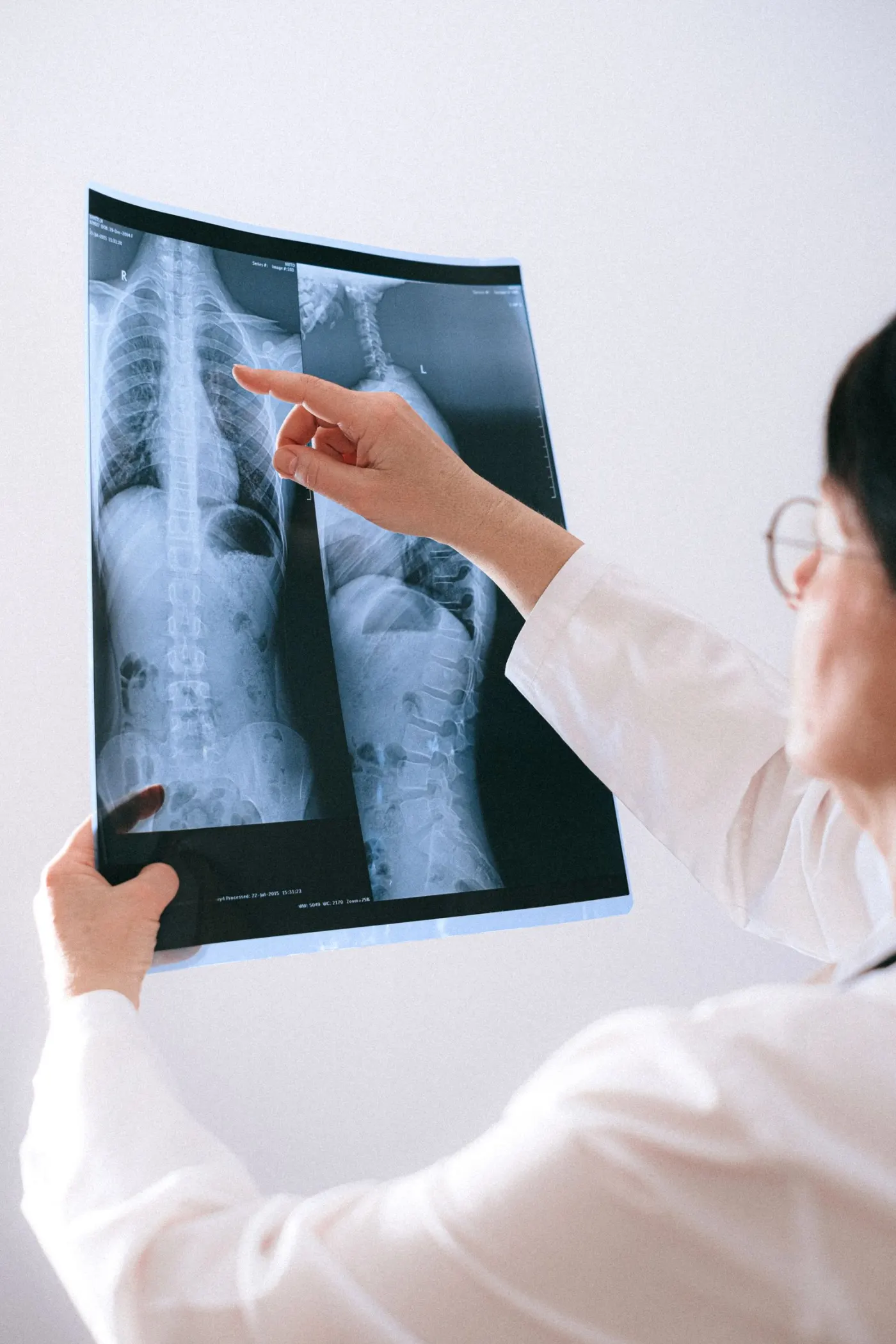
Imaging is ordered from the case sheet and waits in one queue. The result comes back to the same visit, so the surgeon sees the image and the report together.
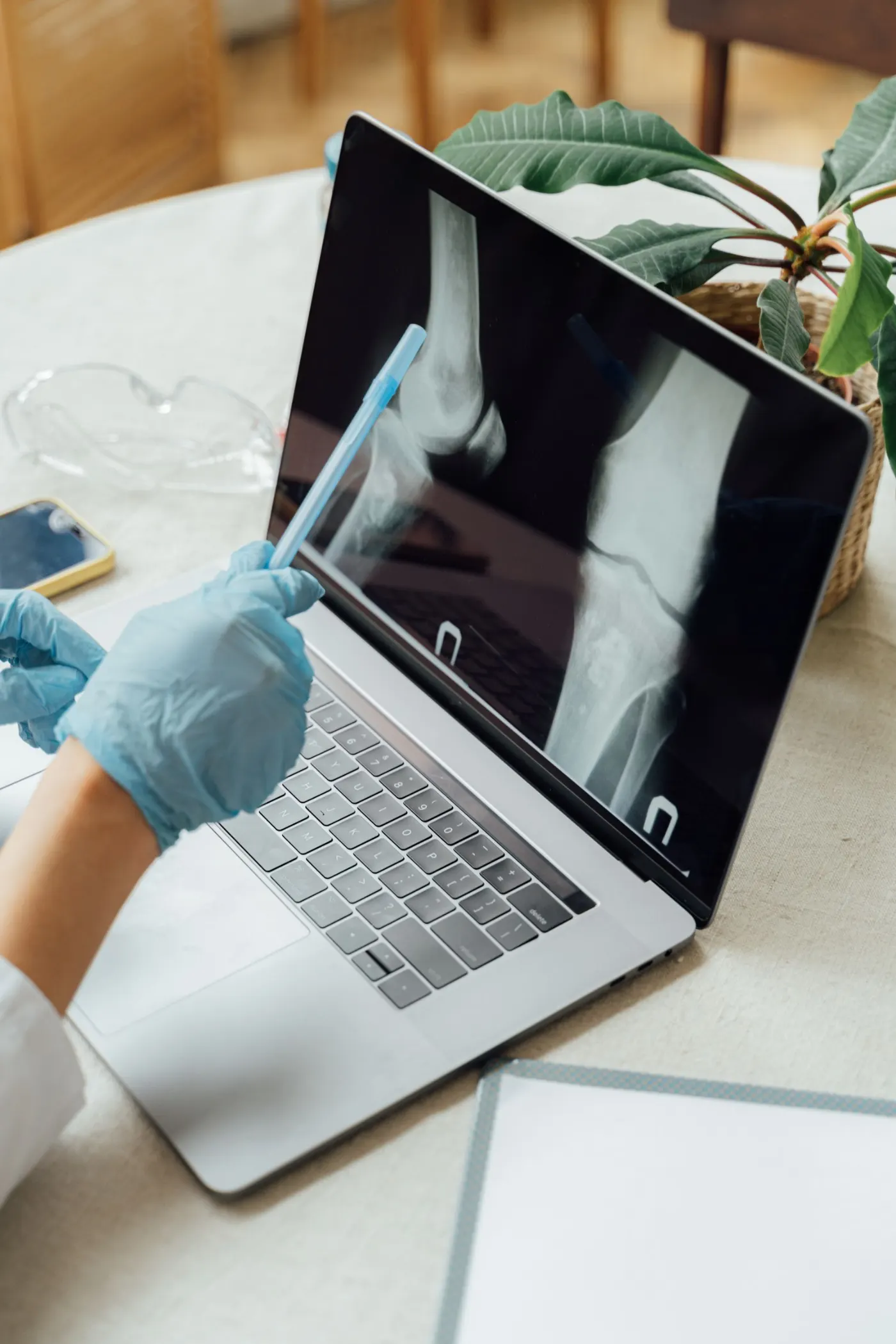
Medial joint space reduced. Osteophytes at the joint margins.
The surgeon writes the diagnosis, medicines, investigations and advice, and sets the next visit. The prescription prints in A4 or A5, and the pharmacy dispenses from it.
℞
The patient appears on the Counsellor Desk the moment surgery is advised. The counsellor logs every call, manages consent and books the surgery, while the TPA desk raises the pre-authorisation.
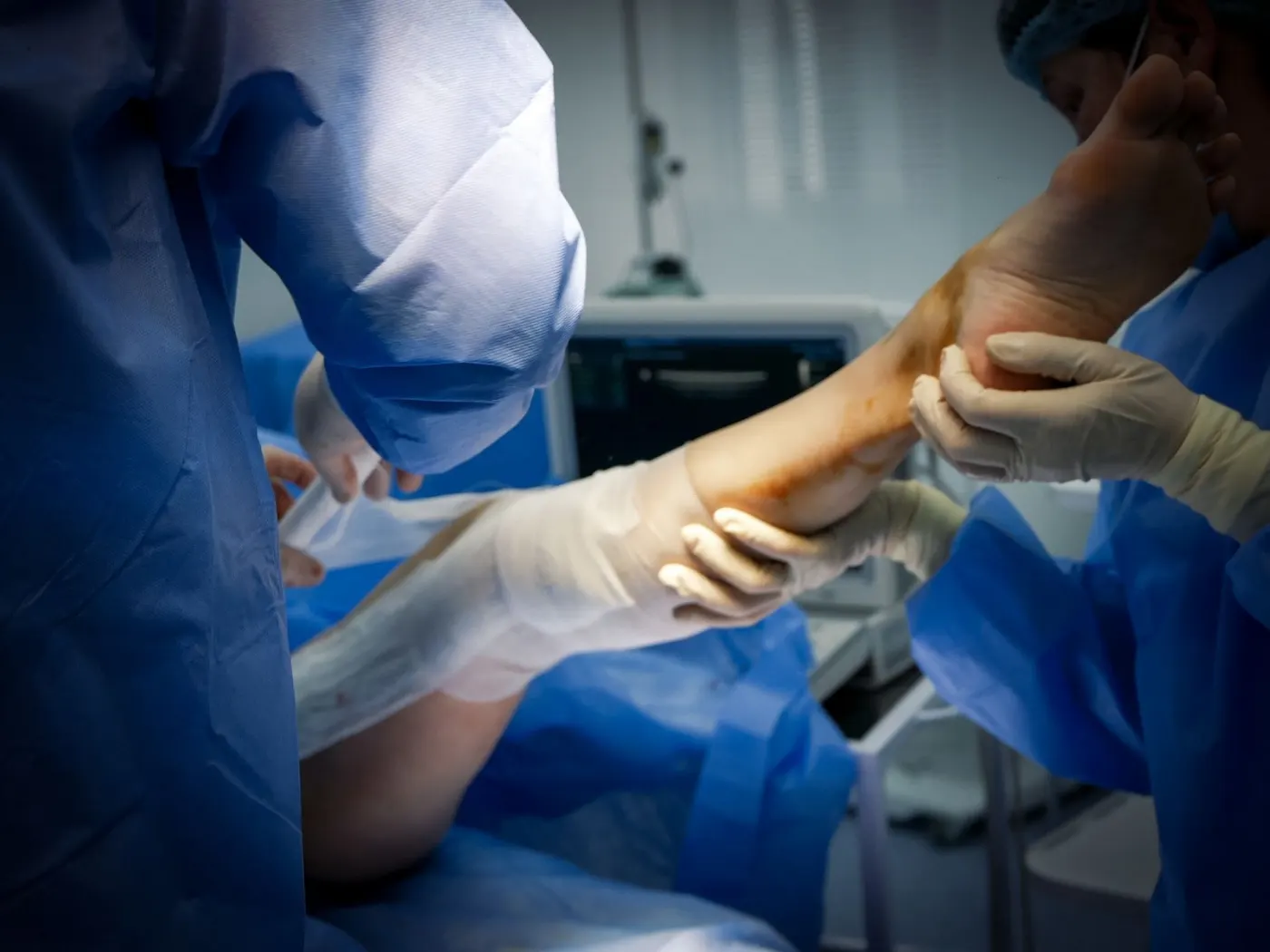
Each operation is a surgery episode: pre-op, intra-op and post-op. The orthopaedic operation note covers joint replacement, fixation, spine and arthroscopy, with the WHO safety checklist, tourniquet time and the implants used.
| Implant | Size | REF | LOT |
|---|---|---|---|
| Femoral component | 4 | FM-404 | K8812 |
| Tibial tray | 3 | TB-303 | K8790 |
| Insert | 10 mm | IN-310 | L1043 |
| Bone cement | 40 g | BC-040 | C2271 |
The ward board shows the patient moving from pre-op to OT to recovery and ready for discharge. The bill carries every service with GST, advances and payments, and the claim is filed from it.
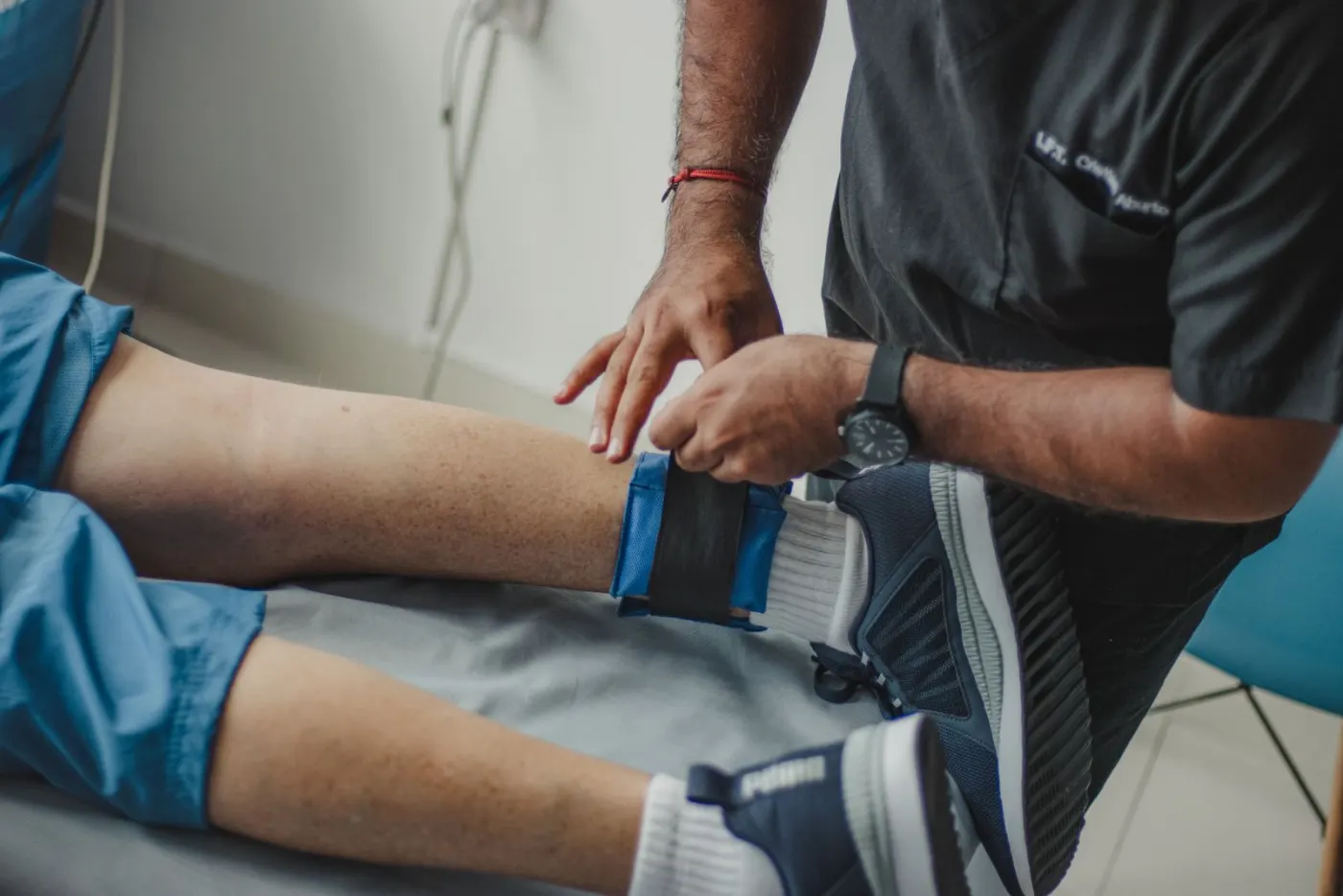
The post-operative orders carry the physiotherapy plan with wound care and medicines. Each review opens the same record, with the operation note, the implants and the check X-rays in view.
For the owner
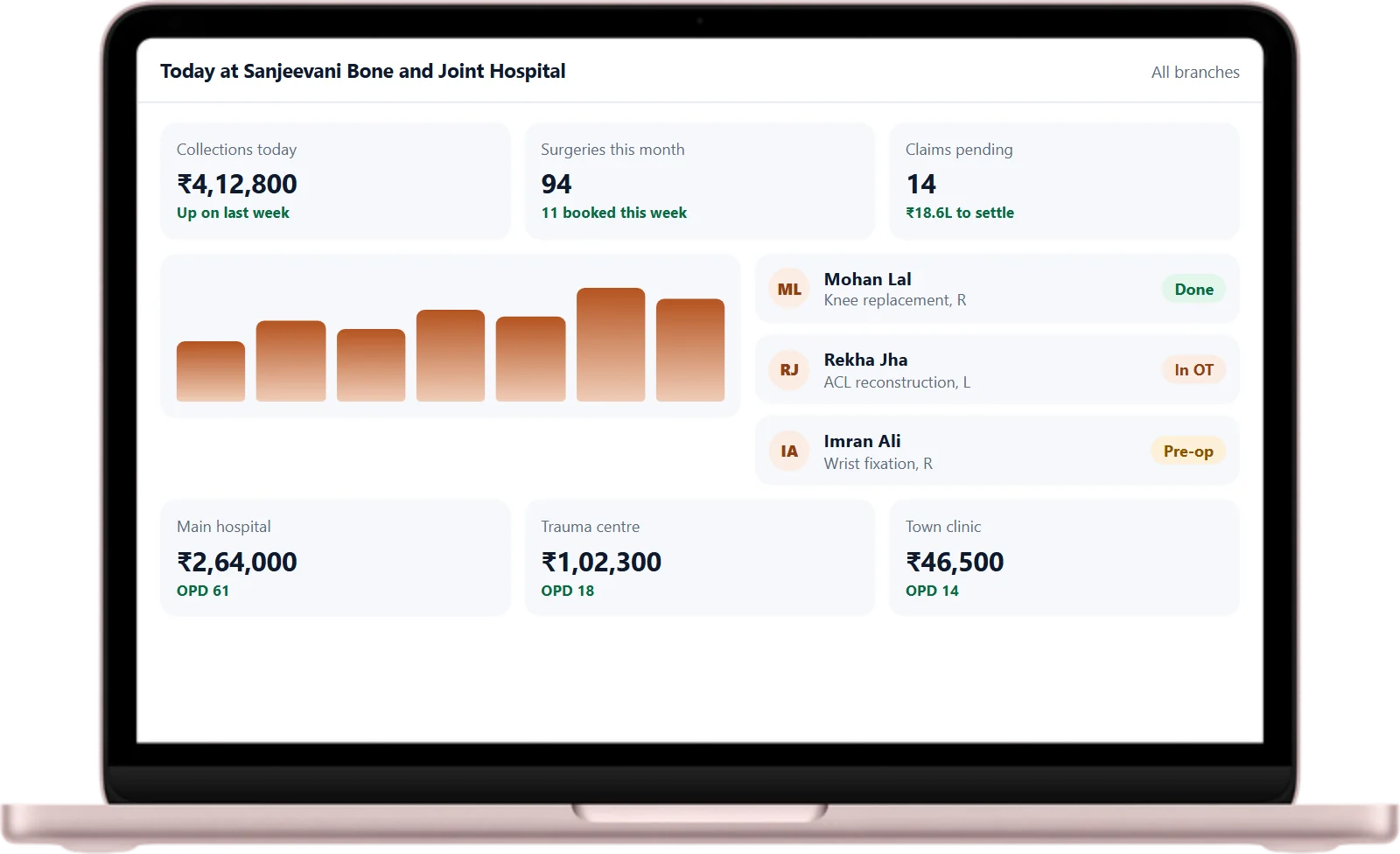
Revenue, collections, outstanding bills, insurance claims, beds and surgeries, for one branch or all of them. You do not need to be in the building to know your hospital.
Everything included
Everything an orthopaedic hospital runs on, connected to the same patient record.
What changes for you
On any device
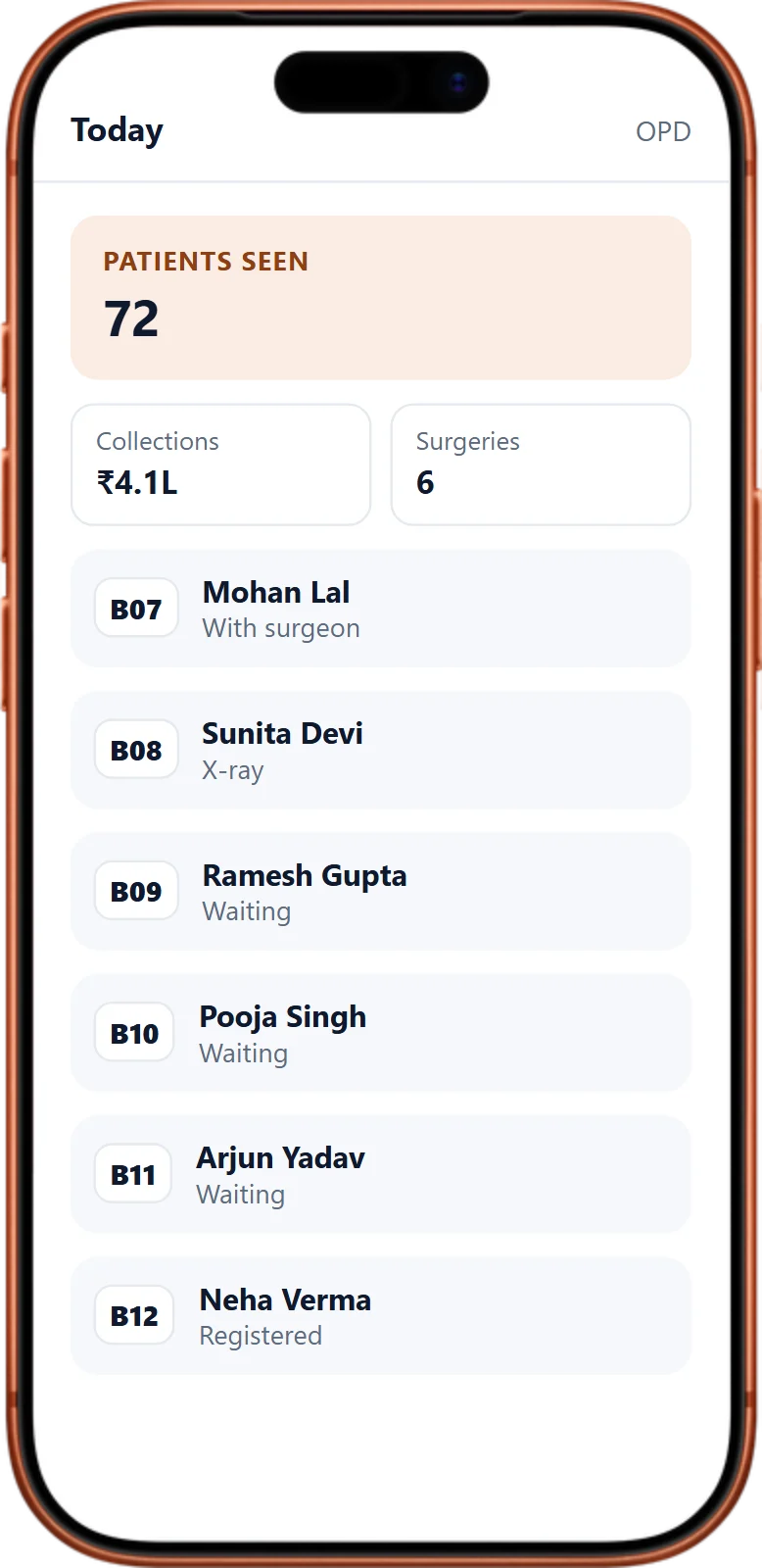
SuperDoc runs in the browser on the computers you already have, and on your phone. No servers to buy and no software to install.
Every desk, every device
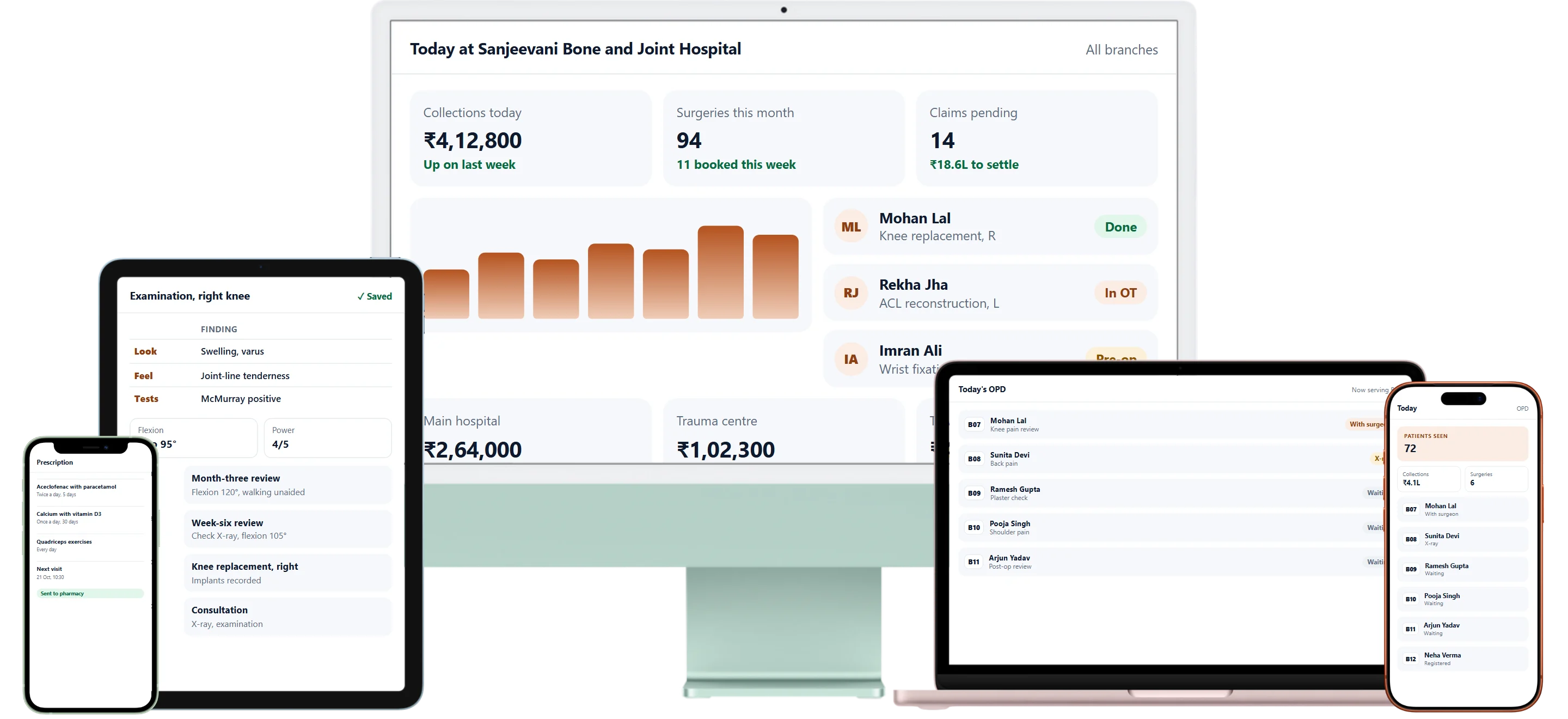
The same SuperDoc in the browser on a desktop, a laptop, a tablet or any phone. Each person sees the screens their work needs.
✓ Checked with you before go-live
Switching to SuperDoc from another software
Years of patients, surgeries and accounts are your hospital's memory. We bring them across and get every desk comfortable before you go live.
Something else on your mind? Ask us on a call.
Yes. Each branch has its own day, stock and billing, and the owner sees every branch together.
No. SuperDoc runs in the browser. We take care of the hosting and the updates.
Yes. We move your patients, their history and your price lists, and you check them before anything is final.
Yes, and we take it very seriously. Your data is encrypted and backed up several times, in separate secure locations, so it is never lost. Four layers of security protect it, so you can run your practice tension-free. Your data always stays yours. If you ever decide to move on, we hand all of it back to you digitally. We would be sorry to see you go, but we will never hold your data back.
Yes. Every staff member gets their own secure login and sees and does only what their work and position allow. You can also fine-tune access for any one person.
Yes, comfortably. SuperDoc is built to be easy: each person sees only the screens for their own work, so there is little to learn. In our team's experience, staff pick it up within a week of training, and many within a day. We train every desk on your own way of working, stay with you after go-live, and our support team is available 24×7, so every question is answered quickly.
From the moment a patient walks in until they leave, and everything in between, runs in SuperDoc. Appointments and the OPD queue? Covered. Case sheets and prescriptions? Covered. Surgery? Covered. Billing, pharmacy, stores, hospital expenses and patient feedback? Yes, all covered. Request a call and see the whole of it on your own workflow.
Yes. All updates are free. We keep making SuperDoc better every week, and every improvement to your modules reaches you at no extra cost.
No. Once you start on SuperDoc, you will not need any other software to run your hospital or clinic.

Leave your number and our team calls you. We walk through your day, from the X-ray to the last review, on the real screens.